What players say
Village Builder provides a satisfying building experience with 20 distinct stages. Each level introduces a new complex to construct, keeping the gameplay fresh. The controls are responsive on both desktop and mobile. The game encourages planning and creativity without pressure. It has good replay value as you can try different building orders. Suitable for children and adults looking for a calm, constructive pastime.
About this game
Game Introduction
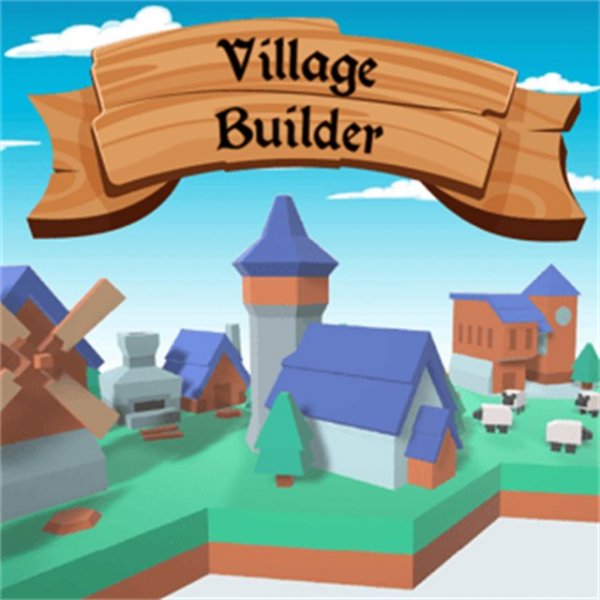
Village Builder Online Game is a charming construction game where players create their own village by completing a series of stages. The core objective is to build various parts of a village, such as residential areas or a mill with wheat fields, by choosing which complex to construct first. What makes this game unique is its focus on creative, relaxing gameplay that does not require fast reactions or complex strategies, making it suitable for kids and families. The game runs smoothly on any device using HTML5 technology, providing an accessible and rewarding experience for players of all ages.
How to Play
To play, players start by reading the on-screen instructions for each level. They then choose a complex to build, such as a house with a road or a mill with a wheat plot. Using elements from a bottom panel, players click to place items as indicated. Each stage must be completed using the specified number of elements. After finishing a stage, players earn points that unlock new building parts. The controls are simple and intuitive, and the game works on PC, mobile, and tablets with full screen support, allowing anyone to start building right away.
Game Features
Village Builder Online Game includes creative village building with multiple progressive stages. It features a family-friendly design that ensures safe play for all ages. The game offers smooth performance on any device thanks to HTML5 technology, and includes full screen support for an immersive experience. Players can unlock new items as they earn points, adding variety to the building process. The game is designed to be relaxing and rewarding, with no need for fast reactions or complex strategies.
Tips for Success
To succeed in Village Builder, players should carefully read the instructions for each stage before starting. It helps to plan which complex to build first, as this can affect the flow of construction. Using the available elements efficiently is key, so take time to place each item correctly. Earning points unlocks new items, so completing stages thoroughly is beneficial. Since the game is relaxed, there is no rush—players can enjoy building at their own pace and experiment with different placements to create a unique village.