
What players say
Custom Case Creator Art Studio offers a delightful way to unwind while expressing your creativity. The variety of tools, from spray paint to water marbling, provides endless design possibilities. The game is easy to pick up and perfect for all ages. It is a great choice for anyone who enjoys art and DIY projects without the mess.
About this game
Game Introduction
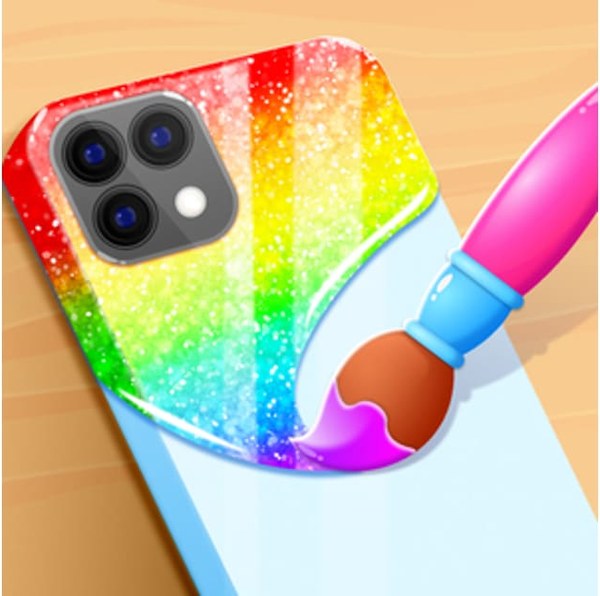
Custom Case Creator Art Studio is a free online decorating game that invites players to express their artistic side by designing personalized phone cases. The core objective is to transform a plain phone case into a unique piece of art using a variety of creative tools. What makes this game special is its focus on accessible art techniques such as spray painting, sticker placement, stencil work, and water marbling. Players can experiment with colors, patterns, and textures to create designs that reflect their personal style. The game is designed for casual play and is suitable for all ages, making it a great choice for anyone who enjoys hands-on creativity without the mess of real-world materials. Whether you prefer bright, bold patterns or subtle, elegant designs, this game offers a relaxing and rewarding experience.
How to Play
Players begin by selecting a phone case shape to work with. The decorating process typically starts with applying a base color using a spray paint tool. From there, users can layer on stickers and stencils to add detail and personality. The water marbling feature allows for the creation of swirling, fluid patterns, while injection coloring can produce a jelly-like effect. Before decorating, it is recommended to clean the case surface to ensure colors adhere properly. Once the design is complete, players can save their creation and share it with others. The interface is intuitive, making it easy for newcomers to start designing right away.
Game Features
The game includes a range of creative tools such as spray paint, stickers, and stencils for decorating. Water marbling and injection coloring options allow for unique pattern creation. A cleaning step is available to prepare the case before decorating. Designs can be saved and shared easily. The game is colorful, easy to play, and designed for a relaxing DIY art experience. It is accessible online without downloads and works on various devices.
Tips for Success
To achieve the best results, start with a clean case surface to help colors and patterns stick well. Experiment with different color combinations and layering techniques to create depth. Try using the water marbling tool first for a base pattern, then add stickers and stencils for extra detail. Save your designs frequently to avoid losing progress. Share your creations with friends for inspiration and feedback.










Player Comments
Sign in to comment
You must be logged in before posting a review or rating.
No account? Create one
No comments yet. Be the first to comment!