What players say
Tap Tap City Planner offers a calming, creative experience for anyone who enjoys designing urban spaces. The simple tap controls make it easy to start, while the region themes add visual variety. The focus on gradual expansion encourages thoughtful planning without pressure. It runs smoothly on any device with a browser, making it a convenient choice for casual play. The lack of downloads is a major plus.
About this game
Game Introduction
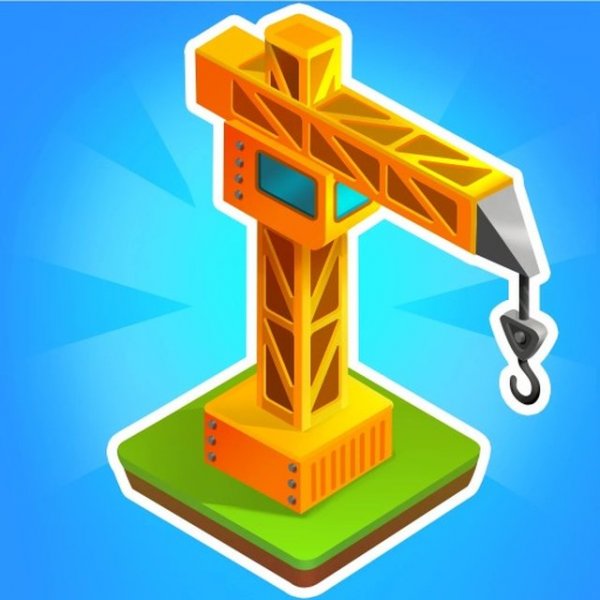
Tap Tap City Planner is an accessible city building simulation that invites players to design and develop their own urban environment from the ground up. The central goal is to create a lively and functional city by carefully placing roads and various structures. What sets this experience apart is its simplicity and broad compatibility. The game uses intuitive tap and click controls, making it easy for anyone to start playing immediately. It works across multiple platforms, including personal computers, smartphones, and tablets, and runs directly in a web browser using modern HTML5 technology. There is no need to install any software or download files. Players can also choose from different regional themes, such as a snowy northern landscape or a warm tropical setting, to give their city a unique visual character. This game focuses on gradual, creative growth rather than fast-paced action, offering a calm and rewarding pastime for all age groups.
How to Play
To begin, players typically name their city and pick a region that defines the overall look of the environment. The main activity involves constructing a network of roads by selecting the appropriate tool and placing road segments on adjacent plots. This road system forms the backbone of the city. As the network expands, players can add residential zones and other types of infrastructure. The view can be adjusted by dragging the screen, allowing for easy inspection of different areas. The controls are designed to be straightforward, relying on taps or clicks along with simple keyboard inputs. Progress is made step by step, encouraging thoughtful planning and steady expansion.
Game Features
Tap Tap City Planner includes several features common to city building games. Players have creative freedom to design road layouts and develop zones. The region selection option changes the visual theme, with choices that may include northern, southern, or temperate styles. Controls are simple and responsive, working across various devices. The game runs in a browser with no downloads required, thanks to HTML5 technology. The overall experience is relaxing and suitable for all ages, with an emphasis on gradual growth and creative expression.
Tips for Success
Plan your road network before placing buildings to make the best use of available space. Start with a small, connected layout and expand outward as your city grows. Regularly check for new construction options that become available. Take time to explore different areas of the map to decide where to develop next. Patience is important, as steady, thoughtful progress leads to a more satisfying and well-organized city.